

Parking Assistant Professional

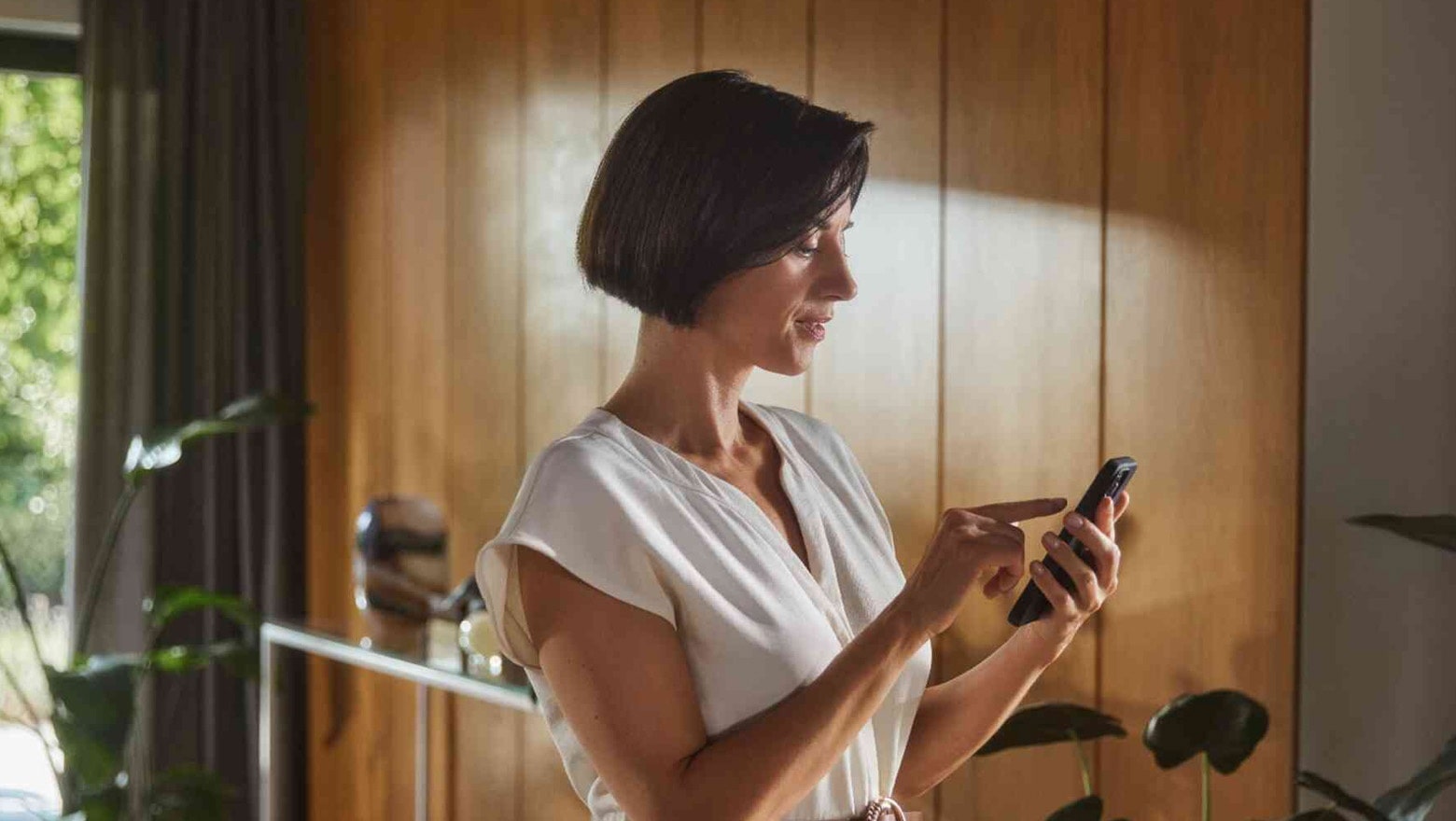
Park your BMW in any suitable space remotely from a short distance away via smartphone. You can also move your vehicle backwards and forwards using the My BMW App.
Why are prices not being displayed?
To display personalised prices, please sign in and add your vehicle to your profile.Login
Product details
WHAT PARKING ASSISTANT PROFESSIONAL CAN DO.
With a compatible smartphone, your BMW can carry out parking manoeuvres from a distance of up to six metres. Select a parking manoeuvre in the My BMW App and carry it out by tapping and holding until parking is complete. If you wish, you can transfer a manoeuvre you started in the vehicle to your smartphone at any time, seamlessly and intuitively.
- easily drive into parking spaces using your smartphone
- ideal for tight parking spaces that would otherwise be too narrow for you to get out
- move your vehicle backwards and forwards using the My BMW App in manual mode
- switch seamlessly and intuitively between operation in the vehicle and in the My BMW App
HOW PARKING ASSISTANT PROFESSIONAL WORKS.
Parking Assistant Professional includes Parking Assistant Plus but adds the option of controlling parking manoeuvres remotely via smartphone.
You can park your BMW remotely from up to six metres away using a compatible smartphone. Use the My BMW App to move your car semi-automatically into and out of parking spaces while you watch. This way, you can even use parking spaces that would otherwise be too narrow for you to get out of your vehicle.
Select a parking manoeuvre in the My BMW App and carry this out by simply tapping and holding until parking is complete. You can also easily complete parking manoeuvres that you started in the vehicle outside it using your smartphone. Your BMW lets you switch seamlessly and intuitively between operation in the vehicle and in the My BMW App, in any parking situation.
You can move your BMW backwards and forwards in manual mode. This enables you to correct a finished parking manoeuvre, for example, or move the vehicle out of a tight space so it's easier for you to get in.
PLEASE NOTE:
Driver assistance systems do not absolve you of the responsibility of driving and monitoring the real traffic situation. You must be alert and ready to take action at all times, especially in the event of danger.
Remote Control Parking is only compatible with selected smartphones. You can find a list of compatible smartphones at:
https://www.bmw.co.uk/uk/s/article/My-BMW-App-Remote-Services-Remote-Control-Parking-Overview-of-compatible-devices-and-countries-2LcUa?language=en_GB
You can park your BMW remotely from up to six metres away using a compatible smartphone. Use the My BMW App to move your car semi-automatically into and out of parking spaces while you watch. This way, you can even use parking spaces that would otherwise be too narrow for you to get out of your vehicle.
Select a parking manoeuvre in the My BMW App and carry this out by simply tapping and holding until parking is complete. You can also easily complete parking manoeuvres that you started in the vehicle outside it using your smartphone. Your BMW lets you switch seamlessly and intuitively between operation in the vehicle and in the My BMW App, in any parking situation.
You can move your BMW backwards and forwards in manual mode. This enables you to correct a finished parking manoeuvre, for example, or move the vehicle out of a tight space so it's easier for you to get in.
PLEASE NOTE:
Driver assistance systems do not absolve you of the responsibility of driving and monitoring the real traffic situation. You must be alert and ready to take action at all times, especially in the event of danger.
Remote Control Parking is only compatible with selected smartphones. You can find a list of compatible smartphones at:
https://www.bmw.co.uk/uk/s/article/My-BMW-App-Remote-Services-Remote-Control-Parking-Overview-of-compatible-devices-and-countries-2LcUa?language=en_GB
BOOKING AND ACTIVATING PARKING ASSISTANT PROFESSIONAL.
Digital services are transmitted over the air to your BMW.
Step 1/3:
Log into the BMW ConnectedDrive Store. It automatically displays all the available digital services for your BMW. Add Parking Assistant Professional to your shopping basket. Enter your payment information and confirm the purchase. When you have finished, you will receive confirmation by email.
1/3 steps
